Below is a guide for the installation of the Eclipse Creator desktop app.
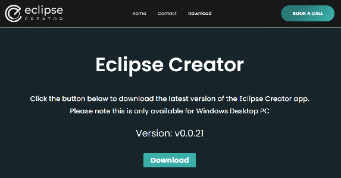
On your desktop/laptop, navigate to the webpage here:
If you experience this pop-up, choose to trust and keep the file and report as safe:
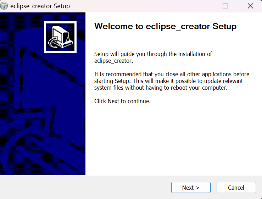
Run the installation script for Eclipse Creator on desktop.
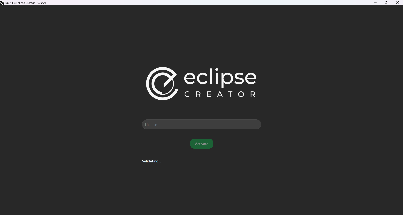
Open the Eclipse Creator desktop app.
Enter the license key:
This will be contained in an email from a FourPlus representative and be a 24-digit, alphanumeric string. It may be referred to as ‘Eclipse Creator Desktop License’. Ensure this is not shared with anyone outside of your institution.
Once your license has been validated you can gain access to the pre-installed default collection of SOPs.
This Default collection will include 6 pre-made SOPs to get users started.
This website is using Cookies.
We use them to give you the best experience. If you continue using our website, we’ll assume that you are happy to receive all cookies on this website